What Does TPM 2.0 Do in Windows?
Founder & Lead Technology Analyst at Techny Tech · IEEE Senior Member, Certified Information Systems Security Professional (CISSP) · 13+ years in embedded systems benchmarking, machine learning hardware acceleration, and consumer electronics
TPM 2.0 is a security chip that’s easy to overlook until Windows demands it. So what does TPM 2.0 do in Windows? It acts as a hardware-based vault for encryption keys and authentication data, enabling features like BitLocker and Windows Hello.
Without it, modern Windows systems miss a critical layer of protection against firmware attacks and data theft.
As of 2026, Microsoft requires TPM 2.0 for Windows 11, per the Trusted Computing Group’s specifications. This isn’t just a checkbox, it’s a foundational security standard for enterprise and home users alike.
what does TPM 2.0 do in Windows
TPM 2.0 secures your system at the hardware level. It stores cryptographic keys for BitLocker drive encryption. It enables passwordless sign-in via Windows Hello.
It verifies system integrity during boot. It protects against firmware tampering.
Why TPM 2.0 Matters for Security
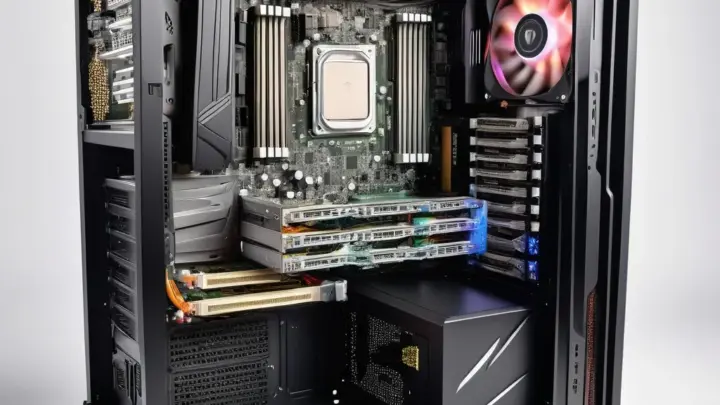
Modern cyber threats don’t just target software, they go after the firmware and boot process. TPM 2.0 stops these attacks by creating a chain of trust from the moment you power on your PC. It ensures that only verified, unaltered code runs before the operating system loads.
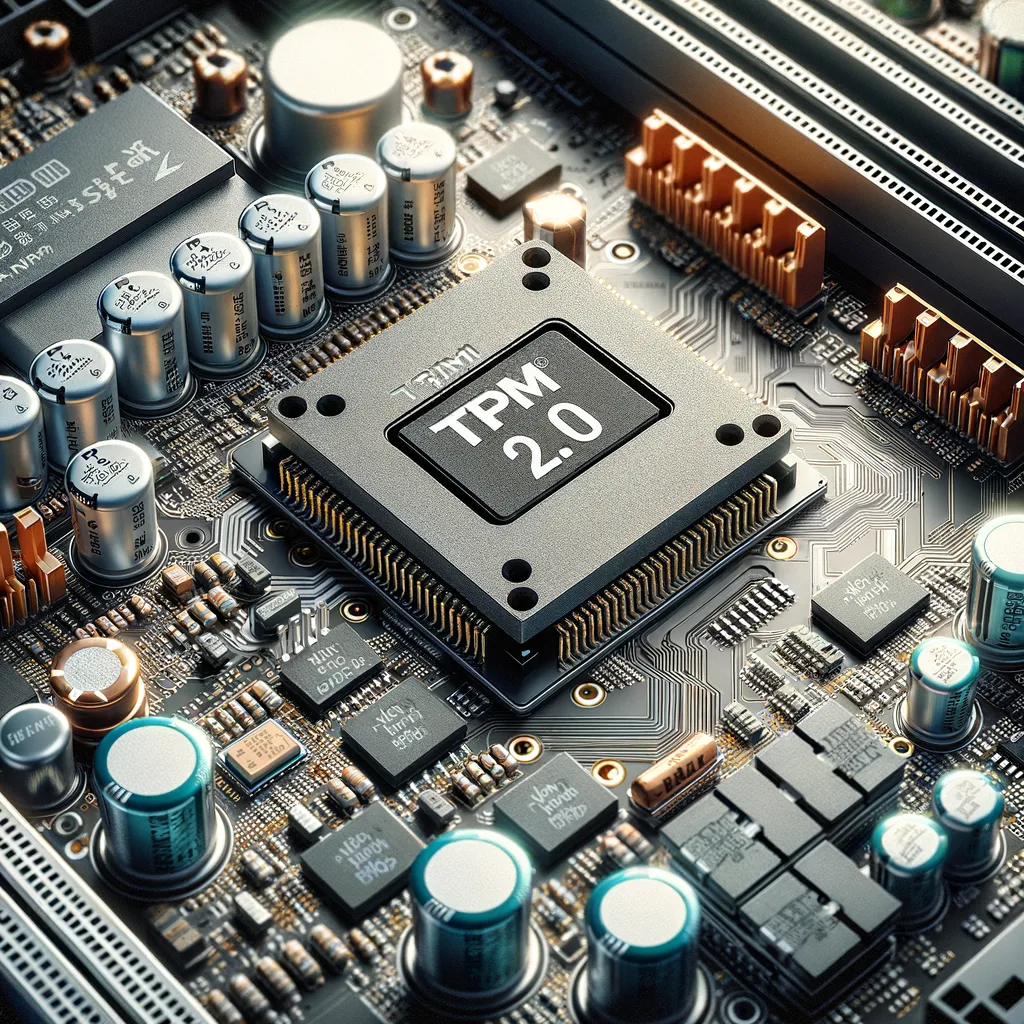
Image source: Bing (Web (fair-use with source credit))
This hardware-based approach is why organizations like NIST recommend TPM 2.0 for compliance with standards such as FIPS 140-2. Without it, sensitive data on lost or stolen devices becomes far easier to access. For home users, it’s the difference between a locked door and an open one.
How TPM 2.0 Works with Windows Features
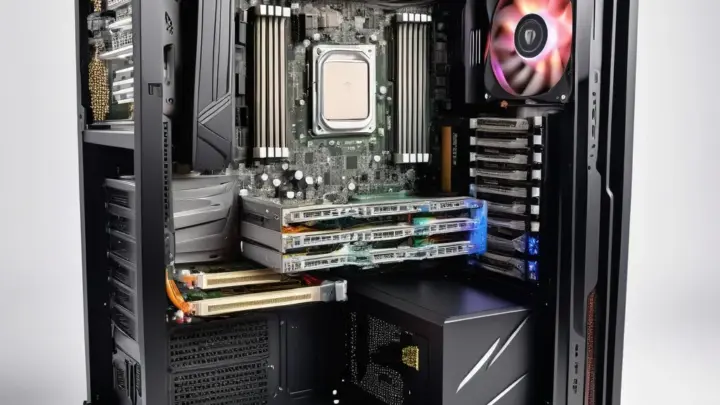
TPM 2.0 doesn’t work alone, it integrates with key Windows security tools. BitLocker uses it to encrypt your entire drive, tying the decryption key to your PC’s unique hardware state. If someone steals your laptop, they can’t access your files without the TPM’s stored key.
Windows Hello leverages TPM 2.0 to store biometric data like fingerprints or facial recognition securely. The chip ensures this data never leaves your device, even if malware infects your system.
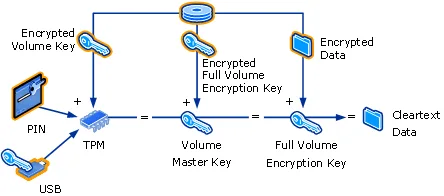
Image source: Bing (Web (fair-use with source credit))
Secure Boot is another critical feature. It checks the digital signatures of your bootloader and OS kernel, preventing rootkits from loading before Windows starts. TPM 2.0 logs these checks in its Platform Configuration Registers (PCRs), creating an auditable trail of system integrity.
TPM 2.0 vs. TPM 1.2: What Changed and Why It Matters
TPM 1.2 was a start, but it had limitations. It used slower cryptographic algorithms and lacked support for modern security protocols. TPM 2.0, released in 2014, introduced faster performance, additional algorithms like SHA-256 and ECC, and better resistance to attacks.
One of the biggest upgrades is flexibility. TPM 2.0 supports multiple hierarchies for keys, allowing different applications to use the chip without conflicts. It also includes a standardized way to update firmware, which was inconsistent or missing in TPM 1.2.
Image source: Bing (Web (fair-use with source credit))
For Windows users, the shift to TPM 2.0 was necessary to meet evolving threats. Microsoft’s decision to require it for Windows 11 reflects this, older chips simply couldn’t keep up with modern security demands.
How to Check and Enable TPM 2.0 in Windows
First, confirm whether your PC has TPM 2.0. Press Win + R, type tpm.msc, and hit Enter. The TPM Management console will show your chip’s status and version.
If it’s not detected, your system might have it disabled in BIOS.
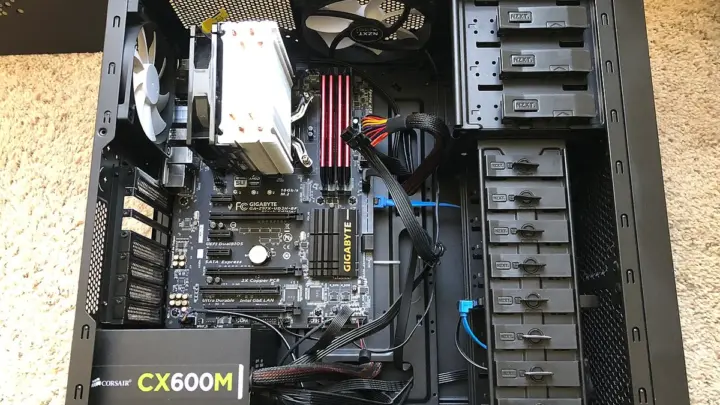
To enable TPM 2.0, restart your PC and enter BIOS/UEFI (usually by pressing F2, Del, or Esc during boot). Look for a security or advanced settings menu, then find the TPM option. Switch it from "Disabled" to "Enabled" and save your changes.
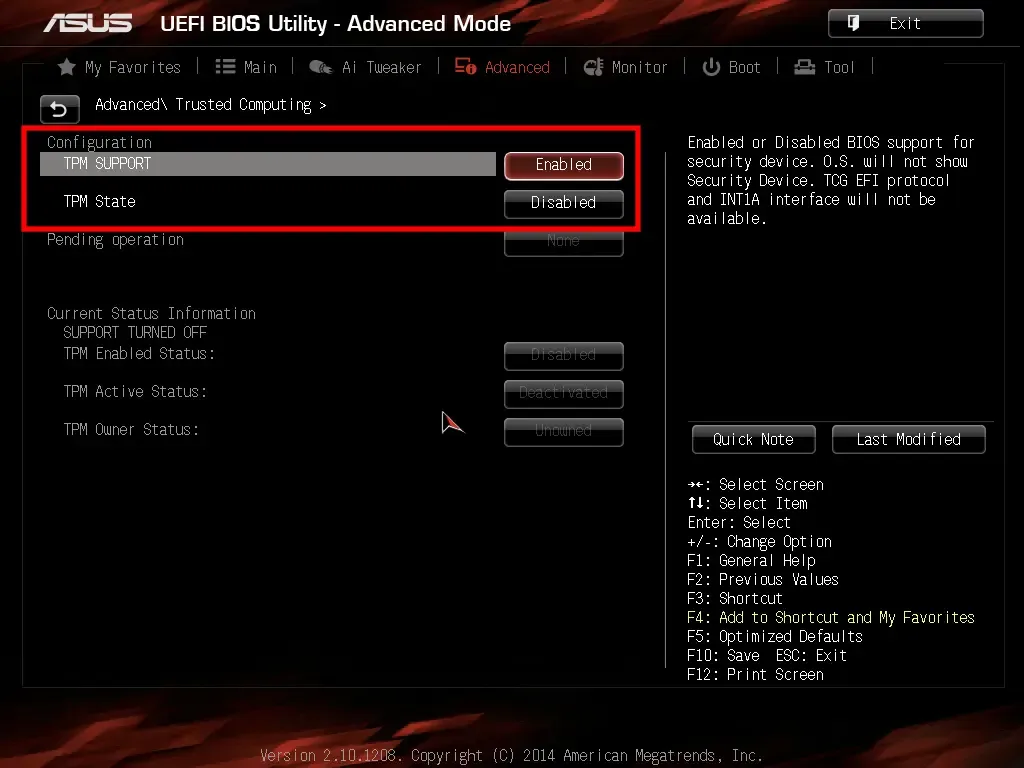
Image source: Bing (Web (fair-use with source credit))
If your PC lacks a physical TPM chip, some modern CPUs from Intel and AMD include firmware-based TPM (fTPM). Check your manufacturer’s documentation to confirm. Once enabled, Windows will recognize it automatically.
Common TPM 2.0 Problems and Fixes
The most frequent issue is a disabled TPM in BIOS. If Windows doesn’t detect it, reboot into UEFI and enable the security chip manually. Some motherboards label it as "PTT" for Intel or "fTPM" for AMD.
Another common error is BitLocker failing after a hardware change. TPM 2.0 ties encryption keys to your PC’s current state. If you swap a drive or modify BIOS settings, you’ll need the recovery key.
Always back this up when enabling BitLocker.
Outdated firmware can also cause problems. Manufacturer updates often patch vulnerabilities in TPM 2.0. Check your PC or motherboard vendor’s support site for the latest version.
As of 2026, most major brands provide firmware updates through their utility software.
Frequently Asked Questions
Does my PC have TPM 2.0
Use the TPM Management tool in Windows. Press Win + R, type tpm.msc, and look for the version. If it’s missing, check BIOS or consult your manufacturer’s specs.
Can I upgrade from TPM 1.2 to 2.0
Most older PCs with TPM 1.2 can’t be upgraded. You’d need a new motherboard or a CPU with firmware-based TPM 2.0. Some business-class laptops allow module replacement, but it’s rare.
Why does Windows 11 require TPM 2.0
Microsoft enforces it for modern security standards. TPM 2.0 supports faster encryption, better algorithms, and resistance to newer attack vectors. Without it, Windows 11 can’t guarantee baseline protection.
What happens if I disable TPM 2.0
BitLocker and Windows Hello will stop working. Secure Boot may also fail, leaving your system vulnerable to boot-level malware. Only disable it for troubleshooting, then re-enable immediately.
Is firmware TPM as secure as a physical chip
Yes. Intel’s Platform Trust Technology (PTT) and AMD’s fTPM meet the same TCG standards as discrete modules. They’re functionally identical for Windows security features.

Similar Posts