SSD vs NVMe: Key Differences Explained
Founder & Lead Technology Analyst at Techny Tech · IEEE Senior Member, Certified Information Systems Security Professional (CISSP) · 13+ years in embedded systems benchmarking, machine learning hardware acceleration, and consumer electronics
You’ve probably landed here because you’re staring at a spec sheet or shopping cart, wondering what is the difference between SSD and NVMe. The short version: all NVMe drives are SSDs, but not all SSDs are NVMe. The real gap is speed and how they talk to your computer.
Manufacturer specs confirm NVMe drives use the PCIe interface to hit speeds 3-6x faster than SATA SSDs, which top out around 550 MB/s. That difference matters for heavy tasks, but for everyday use, it’s often overkill.
what is the difference between SSD and NVMe
SSD is a storage type using flash memory. NVMe is a protocol for fast data transfer over PCIe.
SATA SSDs max out at ~550 MB/s. NVMe SSDs start at ~3,000 MB/s.
All NVMe drives are SSDs, but not all SSDs use NVMe.
How SSDs and NVMe Actually Work (Without the Jargon)
An SSD replaces the old spinning hard drive with flash memory chips. No moving parts means faster access and better durability. The most common types use NAND flash, which stores data in cells that retain it even when powered off.
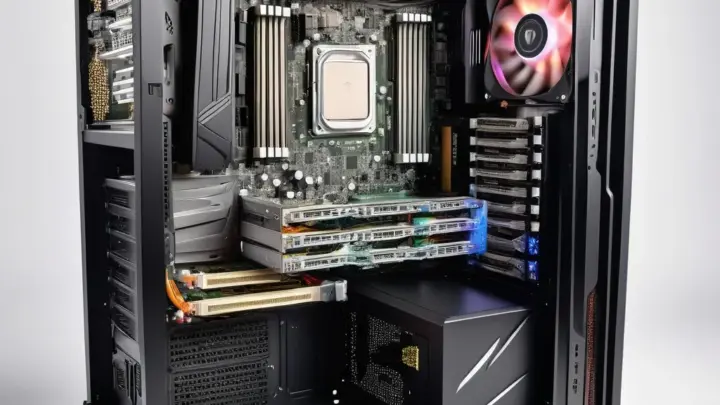
The confusion starts with interfaces. SATA SSDs connect via the older SATA interface, the same one used by traditional hard drives. NVMe SSDs, on the other hand, use the PCIe interface, which is designed for high-speed data transfer.
NVMe itself is a protocol that optimizes how data moves between the storage and your CPU.
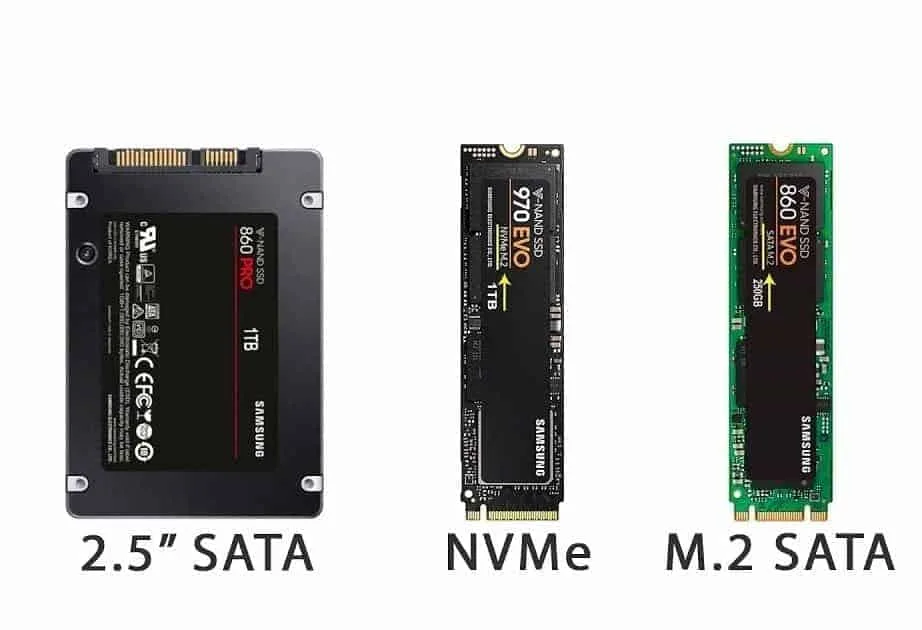
Image source: Bing (Web (fair-use with source credit))
Think of SATA as a two-lane highway and PCIe as a multi-lane expressway. NVMe is the set of rules that keeps traffic flowing smoothly on that expressway. This is why NVMe drives can handle more data at once, with lower latency.
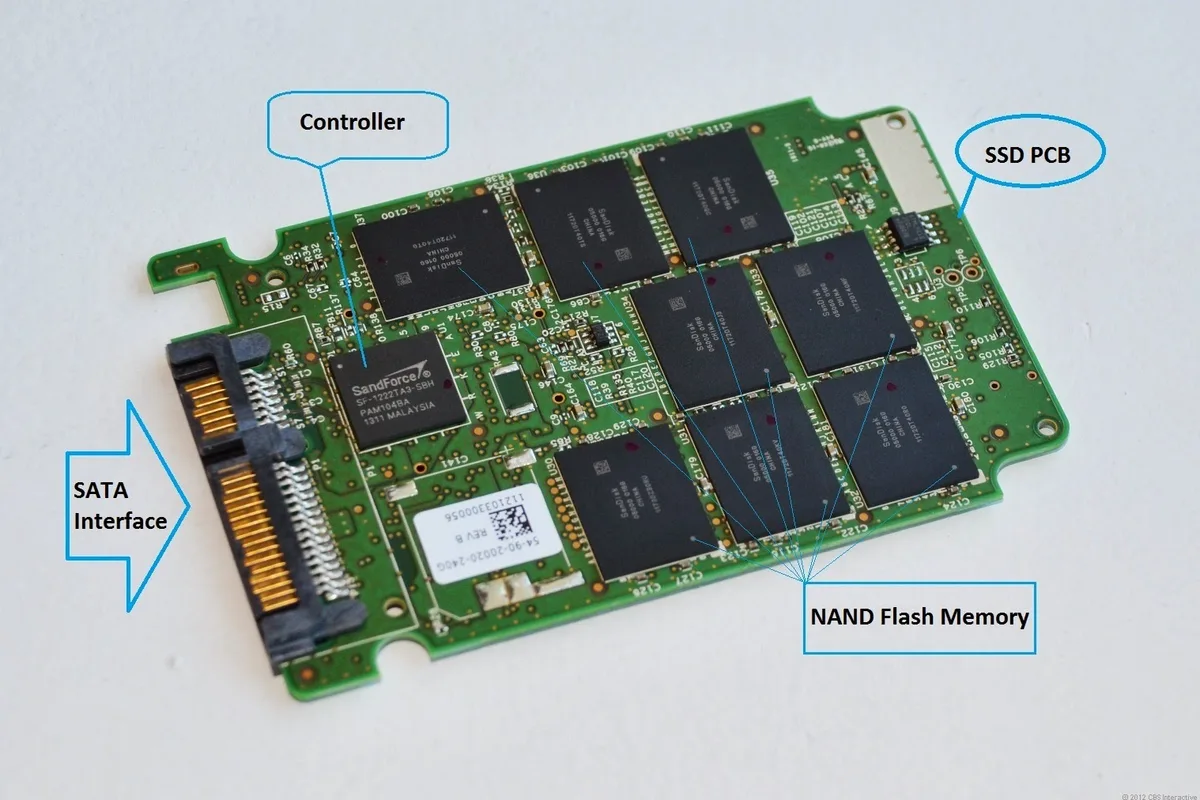
Image source: Bing (Web (fair-use with source credit))
SATA SSD vs. NVMe SSD: The Real Differences That Matter
The biggest difference is speed. SATA SSDs are limited by the SATA interface, capping out at around 550 MB/s for both read and write speeds. NVMe SSDs, connected via PCIe, can reach speeds of 3,000 MB/s or more, depending on the generation of PCIe (Gen 3, Gen 4, or Gen 5).
Latency is another key factor. NVMe drives have significantly lower latency, meaning they can access data faster. This is particularly noticeable in tasks that involve small, frequent data requests, like loading game assets or running complex applications.
Then there’s the form factor. SATA SSDs often come in the traditional 2.5-inch size, while NVMe SSDs usually use the M.2 form factor, which is smaller and fits directly onto the motherboard. This makes NVMe drives ideal for compact builds like laptops or small-form-factor PCs.
Speed, Price, and Longevity Compared Side by Side
Here’s how the two stack up in the metrics that matter most:
| Metric | SATA SSD | NVMe SSD (PCIe Gen 3) | NVMe SSD (PCIe Gen 4) |
|---|---|---|---|
| Sequential Read | ~550 MB/s | ~3,000-3,500 MB/s | ~5,000-7,000 MB/s |
| Sequential Write | ~500-550 MB/s | ~2,500-3,000 MB/s | ~4,000-6,000 MB/s |
| Latency | ~20-100 µs | ~10-20 µs | ~10-20 µs |
| Price per GB (2026) | $0.08-$0.12 | $0.10-$0.15 | $0.15-$0.25 |
| Form Factor | 2.5", M.2 (SATA) | M.2, U.2, PCIe add-in | M.2, U.2, PCIe add-in |
| Endurance (TBW) | 300-600 TBW | 600-1,200 TBW | 600-1,200 TBW |
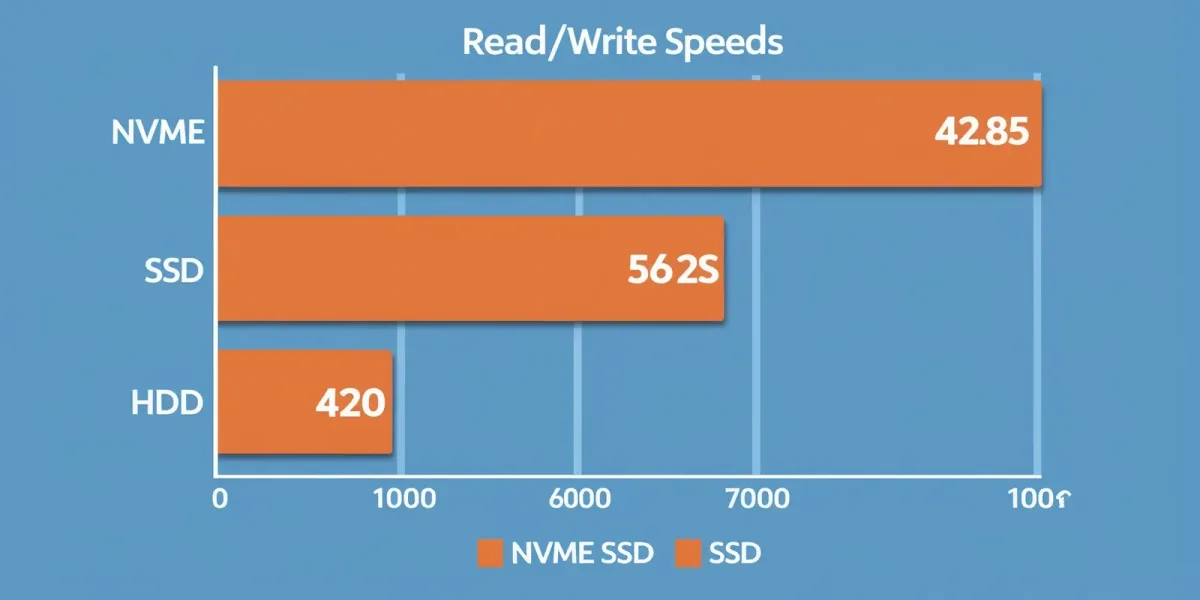
Image source: Bing (Web (fair-use with source credit))
NVMe drives are faster, but they’re also more expensive. For most users, a SATA SSD is more than enough for everyday tasks like browsing, office work, or even light gaming. NVMe shines in demanding scenarios: 4K video editing, large file transfers, or running virtual machines.
Longevity is similar between the two, as both use NAND flash memory. The difference in endurance (measured in Terabytes Written, or TBW) usually comes down to the specific model and NAND type (TLC, MLC, or SLC), not the interface.
Who Needs NVMe (and Who’s Fine with a SATA SSD)?
If you’re building a high-end gaming PC or workstation, NVMe is the way to go. Games load faster, and applications like video editors or 3D rendering software benefit from the extra speed. NVMe also future-proofs your system, as newer software and games are starting to take advantage of faster storage.
For everyday users, a SATA SSD is often sufficient. If you’re upgrading from a traditional hard drive, even a SATA SSD will feel like a massive leap in speed. The difference between SATA and NVMe in day-to-day tasks like web browsing, email, or streaming is minimal.
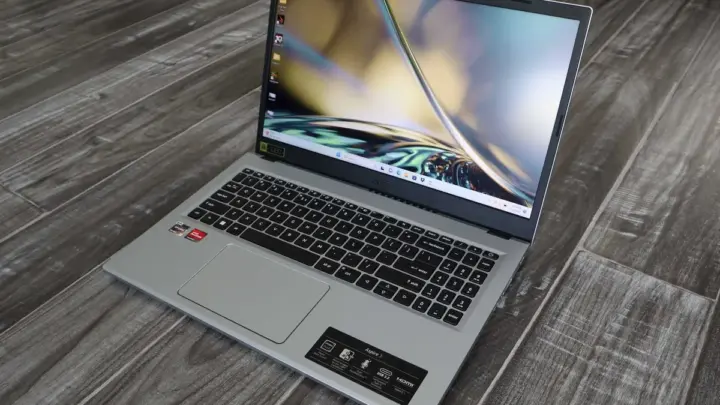
Laptop users should check compatibility before upgrading. Many modern laptops support NVMe drives in M.2 slots, but older models might only support SATA. If your laptop has an M.2 slot, it’s worth confirming whether it’s SATA-only or NVMe-compatible.
Common Mistakes When Upgrading to NVMe
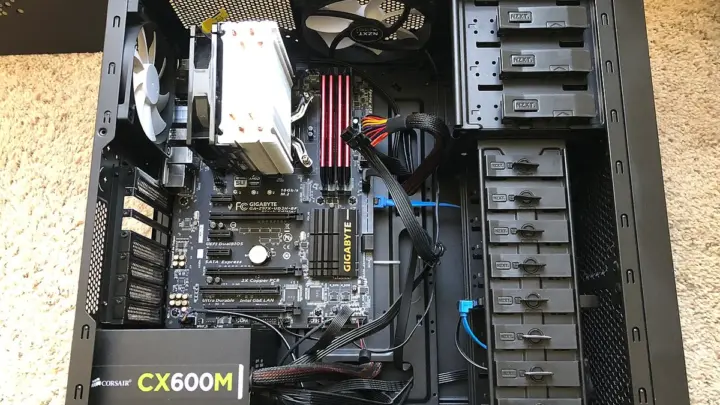
Assuming your motherboard supports NVMe is the first pitfall. Many older systems only have SATA M.2 slots, which won’t unlock NVMe speeds. Always check your motherboard specs or use a tool like CPU-Z to confirm PCIe lane support.
Another common error is skipping the BIOS update. Some motherboards need a firmware update to recognize NVMe drives, especially if they shipped before NVMe was widespread. Without it, your new drive might not show up at all.
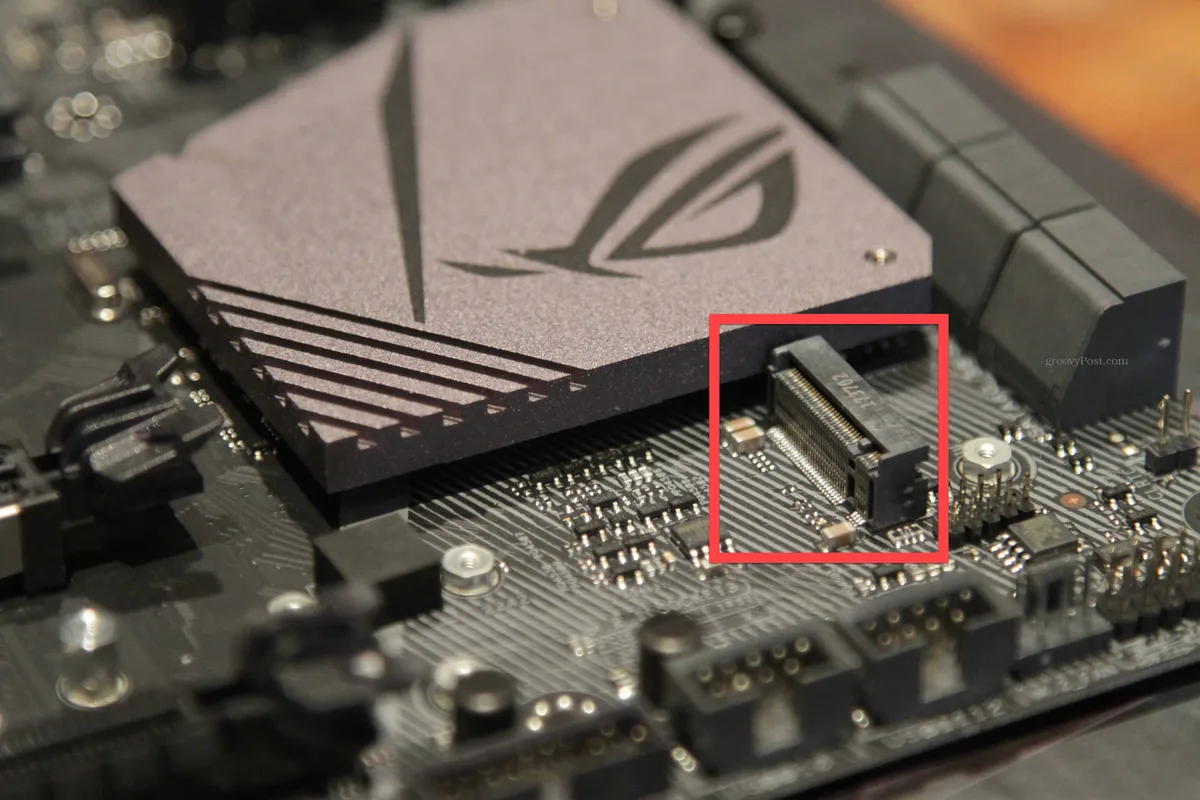
Image source: Bing (Web (fair-use with source credit))
Thermal throttling is a real issue with high-speed NVMe drives. Many M.2 slots sit directly under the GPU or in poorly ventilated areas. If your drive runs hot, consider adding a heatsink or ensuring proper airflow in your case.
Finally, don’t overlook the operating system. Windows 10 and 11 have built-in NVMe drivers, but older systems like Windows 7 may need manual driver installation. Without the right drivers, your NVMe drive won’t perform at its best.
Frequently Asked Questions
Is NVMe worth it for gaming?
Yes, if you play modern AAA titles. Games like Starfield or Call of Duty load noticeably faster on NVMe drives. For older or less demanding games, a SATA SSD is sufficient.
Can I use an NVMe SSD in a SATA slot?
No. NVMe drives require a PCIe slot, usually in the M.2 form factor. A SATA M.2 slot will only work with SATA SSDs, not NVMe.
How do I check if my PC supports NVMe?
Use a system information tool like CPU-Z or Speccy to see if your motherboard has an M.2 slot with PCIe support. Alternatively, check your motherboard’s manual or manufacturer website.
Do NVMe drives fail faster than SATA SSDs?
No. Both use NAND flash memory, so lifespan depends on the NAND type and usage. NVMe drives often have better endurance ratings due to higher-quality controllers.
What’s the difference between PCIe Gen 3 and Gen 4 NVMe?
Gen 4 doubles the bandwidth of Gen 3, offering faster speeds. A Gen 4 NVMe can reach ~5,000-7,000 MB/s, while Gen 3 tops out at ~3,500 MB/s. Your motherboard must support the generation to see the full benefit.

Similar Posts